The two common image file formats for the web are jpeg and png. Jpeg is the file format best suited for photographic images on the web. It allows you to compress the image data to achieve a small file size which is important since every web image has to be sent across networks, downloaded, and rendered in a browser so the smaller an image is, the faster it can load, but there is a trade off. In order to reduce file size, the jpeg format causes images to lose some of their detail. This is why it’s called a lossy file format, but the good new is with GIMP you can control the amount of compression that’s applied to your images and preview the effects of the compression.
The questions on the Illustrator ACA and those main objectives are: project setup and interface, organizing documents, and publishing digital media. And it contains five topics which are about working with colleagues and clients, plus legal, technical and design related issues.
We could also prepare and optimize our images so that they can look their best when we’re creating JPEGs, which will be viewed online, say in our blog or portfolio, or on Facebook, or whatever.
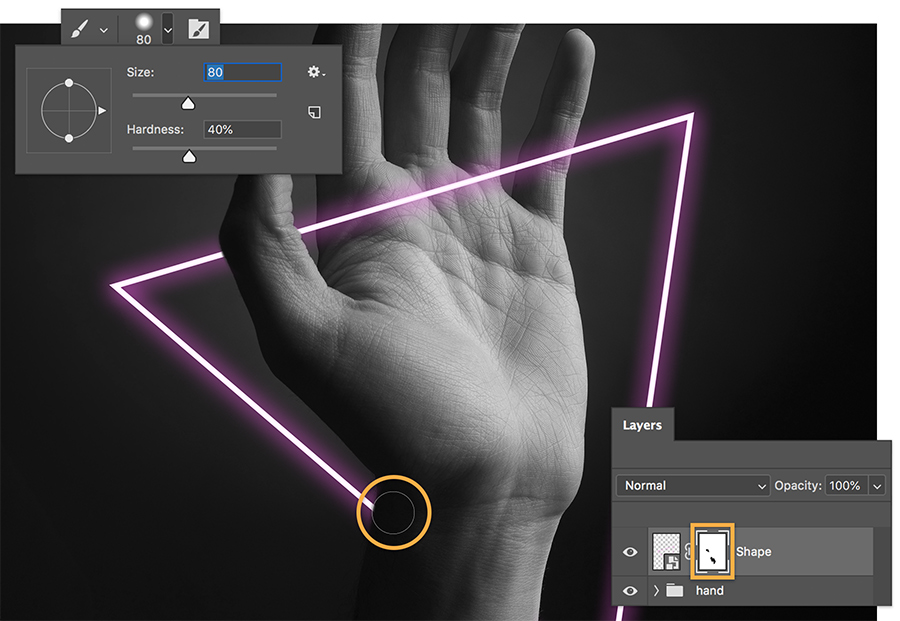
I think most people are visual animals, so we should maximize the use of such powerful software as Photoshop, through Photoshop we can make a lot of shocking pictures in the network or life to attract people’s interests.
 ShuiMei Qu's Blog